










Keep classification small and configure the visible sender identity for every support channel.
Before you start
- Agree recurring topics worth reporting.
- Confirm the address, sender name and destination team.
Use a small tag vocabulary
Create tags for recurring topics that help filtering and reporting. Prefer stable labels over one-off descriptions.
Configure mailboxes
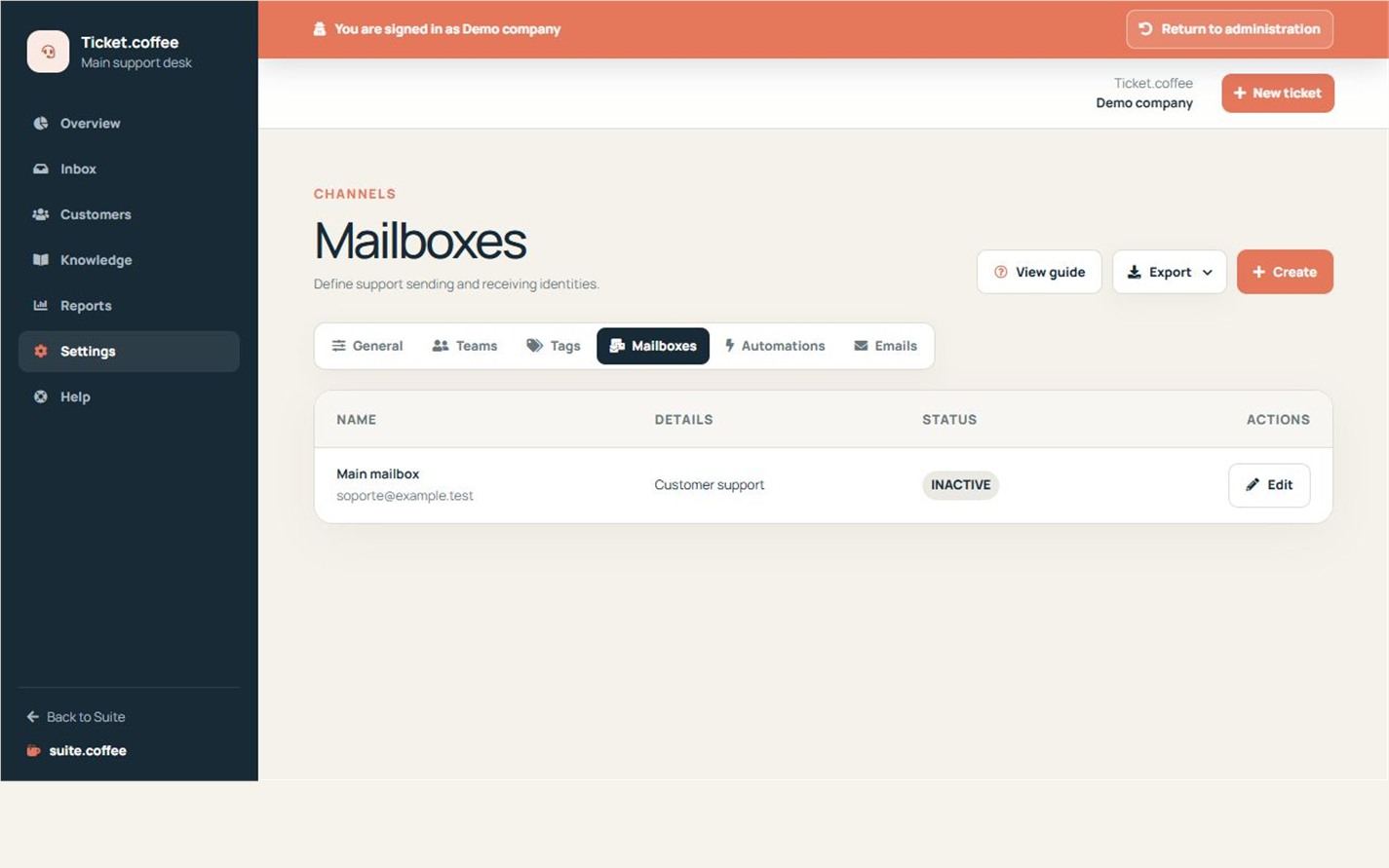
A mailbox defines the team, address and sender identity used by Ticket.coffee. It does not currently import incoming email automatically; new requests come from the public form or manual creation.
Step by step
- Create only reusable tags for recurring topics.
- Open Mailboxes and create or edit a channel.
- Select its responsible team.
- Enter the support address and visible sender name.
- Confirm active and verification status before use.
Final check
- Tag names are not one-off descriptions.
- The sender identity is recognisable to customers.
- The mailbox routes to an active team.
Tip: A mailbox configures Ticket identity and routing; it does not automatically import incoming email.