










Read workload and SLA indicators inside one explicit period before exporting a static copy.
Before you start
- Choose the period and operational question.
- Confirm ticket status and assignments are current.
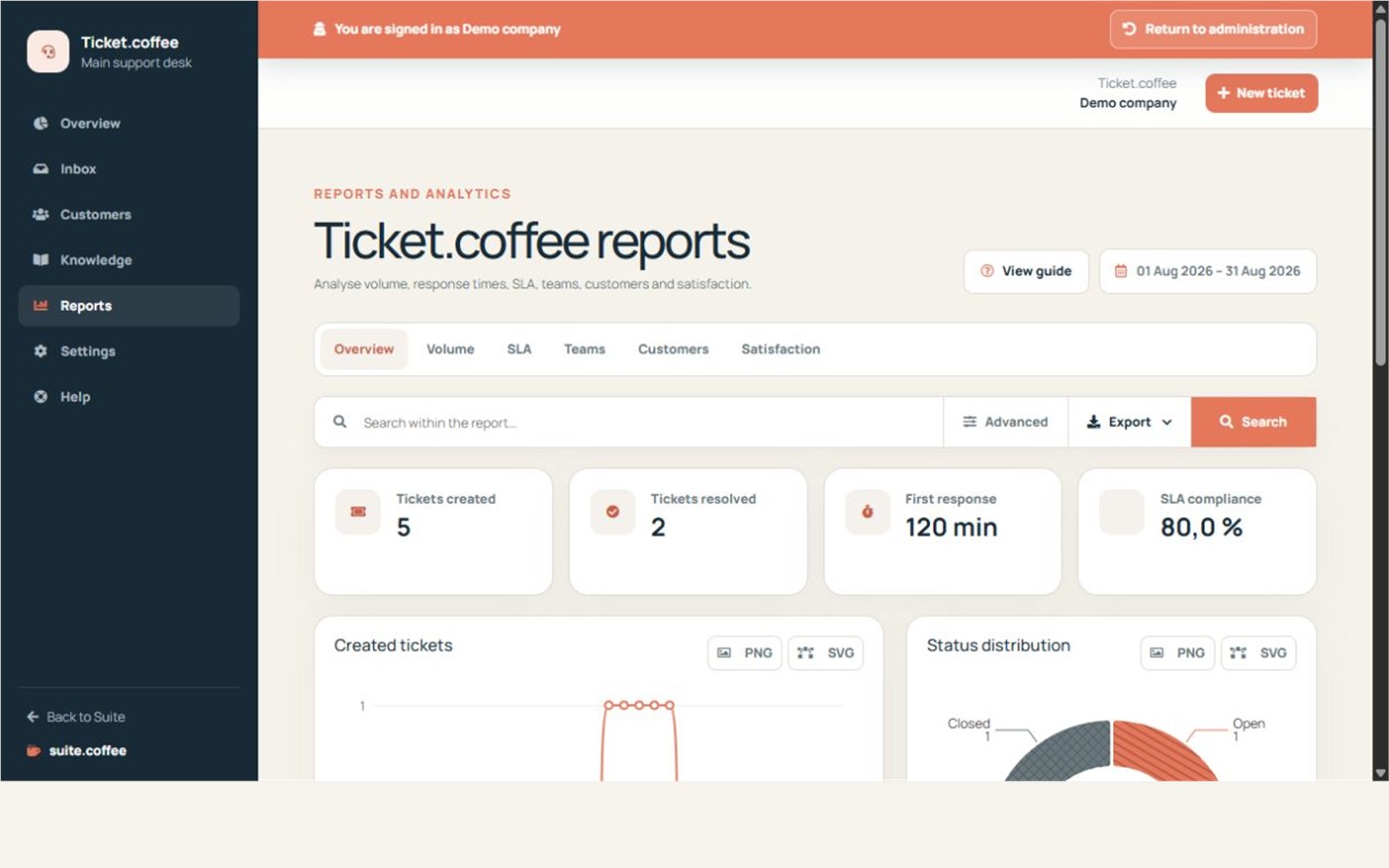
Read the service indicators
Compare ticket volume, status distribution, priorities and SLA breaches. First-response and resolution targets are calculated from the policy assigned to each ticket.
Export the filtered scope
Apply the period, team or status filters before exporting. An export is a snapshot of the current scope, not a live report.
Step by step
- Open Reports.
- Set the from and to dates.
- Review volume, status and priority distribution.
- Compare first-response, resolution and overdue indicators.
- Export only after confirming the visible scope.
Final check
- The selected period answers the intended question.
- SLA values come from the policy assigned to each ticket.
- The export is treated as a point-in-time snapshot.
Tip: Open the underlying tickets before changing staffing or SLA policy from an aggregate alone.