










Create support teams that reflect real ownership boundaries and available agents.
Before you start
- List the queues the organisation genuinely needs.
- Confirm which operational users may work in this instance.
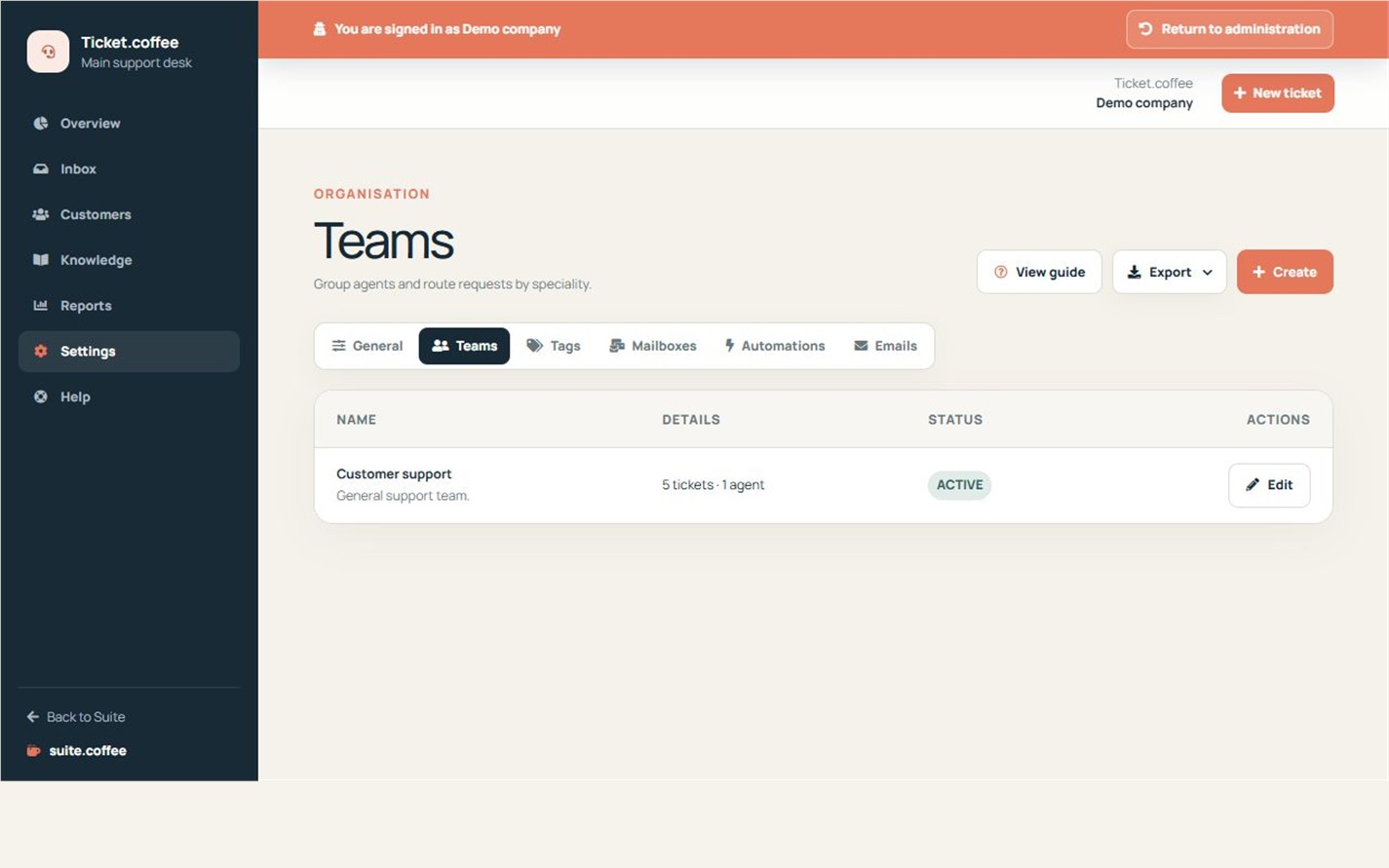
Create meaningful teams
Use teams for real responsibility boundaries such as billing, technical support or a location. Add the agents who can work on that queue and identify supervisors when required.
Keep ownership clear
Assign every mailbox and public form to the team that should receive its requests. Avoid teams that have no operational owner.
Step by step
- Open Settings and Teams.
- Create a team with a clear operational name.
- Add only users with access to this instance.
- Mark supervisors when required.
- Assign the team to the relevant mailbox and form.
Final check
- Every team has an operational owner.
- Assigned agents can access the instance.
- No active channel routes to an empty team.
Tip: Prefer a few accountable queues over many teams that duplicate the same responsibility.