










Adapt verification, access, reply and status emails by language without breaking secure links or required variables.
Before you start
- Confirm the primary service language.
- List only customer languages the team can maintain.
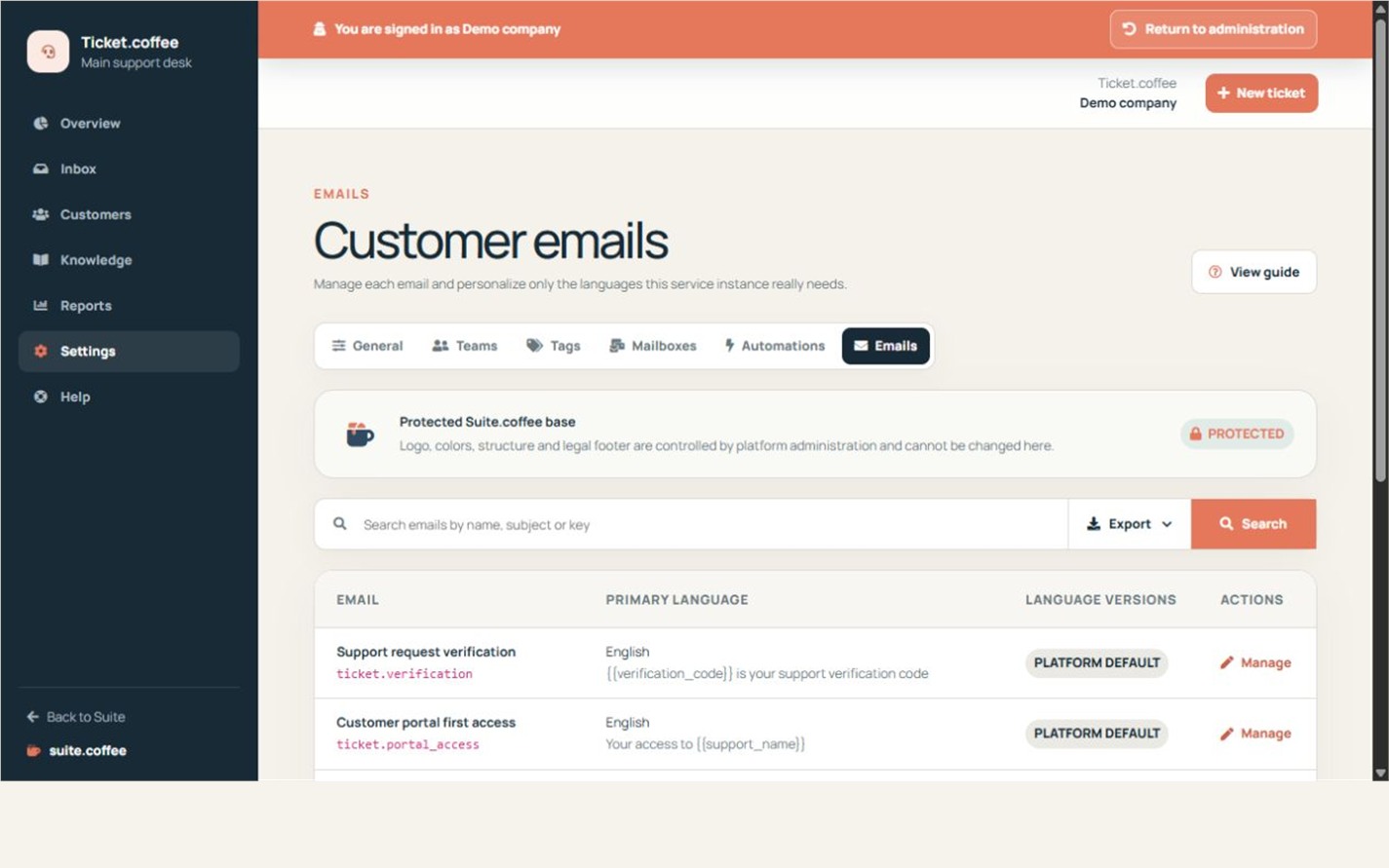
Keep the protected structure
Ticket notifications use the global Suite email layout. Edit the sender and message content without removing required variables.
Work by language
Complete the primary language first, then add only the translations your support audience needs. Preview every version before using it publicly.
Step by step
- Open Emails.
- Choose the verification, welcome, reply or status template.
- Review sender and primary content.
- Add or edit only required language versions.
- Preview secure links and variables before saving.
Final check
- Verification, portal and recovery links remain present where required.
- No mandatory variable was removed.
- Every maintained language was reviewed.
Tip: Test the complete first-ticket journey after changing verification or portal-access emails.